Intelligent Workflow Automation
Build step-by-step automation workflows with AI-powered actions. Define states, set conditions, and let AI agents or code execute your business processes—with human oversight when you need it.
THE FUNDAMENTALS
States, Transitions & Actions
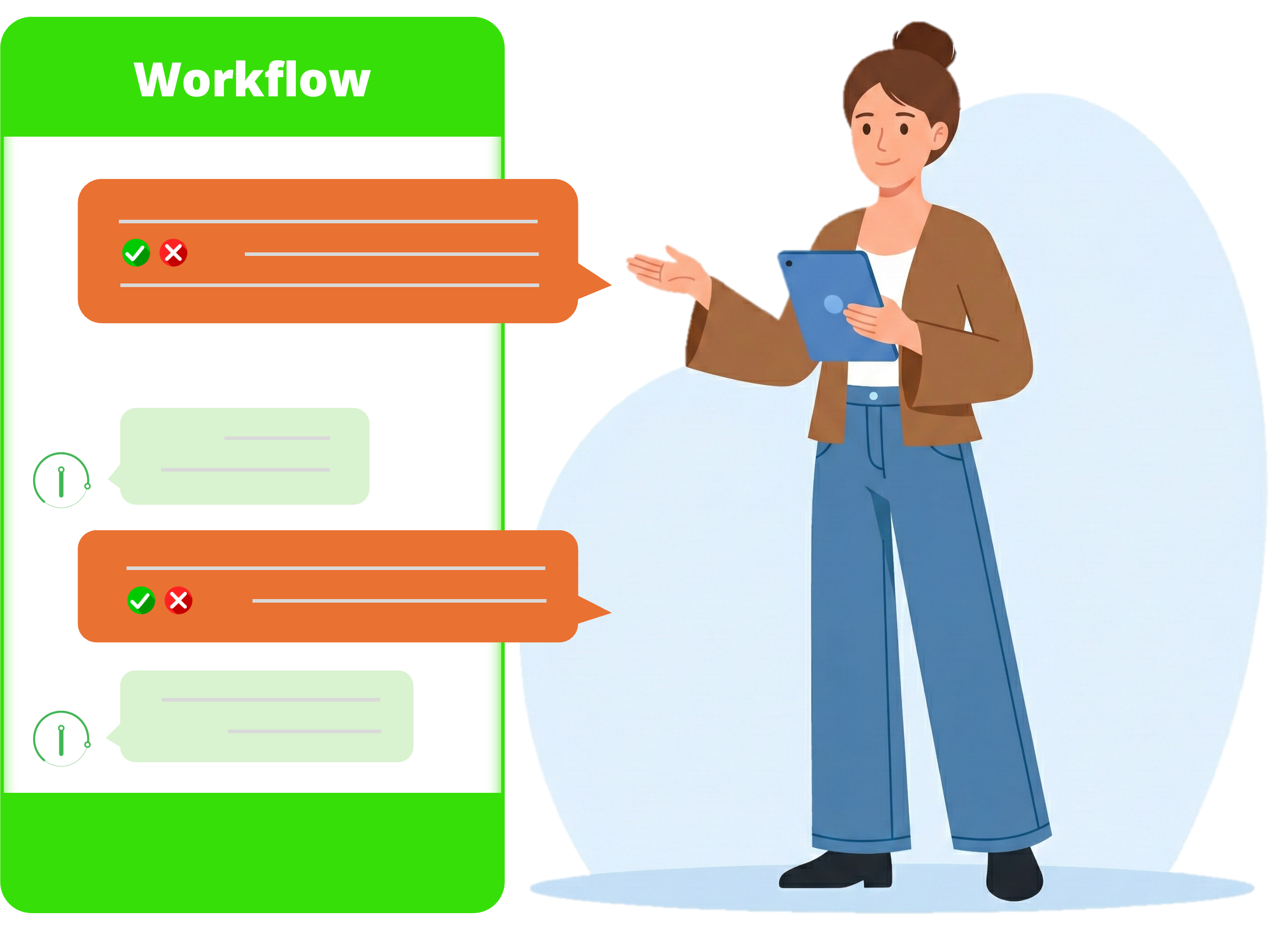
A workflow is a step-by-step process to perform tasks. Think of states as circles, transitions as arrows between them, and actions as the logic that executes during each transition.
State
A point in your workflow where execution pauses or continues. Each state represents a milestone in your process.
Transition
The path from one state to another. Each transition has conditions that must be met before it can fire.
Action
The logic that executes during a transition. Actions can be code scripts or AI-powered operations.
EXECUTION OPTIONS
Code or AI—Your Choice
Every transition action can be powered by traditional code or by an AI Functional Agent. Choose the right tool for each step of your workflow.
Code / Script Actions
Deterministic execution with full control. Perfect for structured, predictable operations.
- Full access to collected workflow data
- Precise, repeatable execution
- Direct database and API integration
AI Functional Agent
Intelligent execution that adapts to context. The AI can call APIs, query databases, send emails, and more—all through natural language prompts.
- Same powerful toolset as conversational AI
- Understands context without conversation
- Executes or fails—no clarifying questions
- Access to tokens, data sources, and APIs
EXECUTION MODEL
Configuration → Instance → Thread
Understanding how workflows execute helps you build more reliable automations. Each run creates an isolated instance with its own execution thread.
Workflow Configuration
The blueprint that defines your states, transitions, conditions, and actions. This is what you design and maintain.
Workflow Instance
When you run a workflow, it creates an instance with a snapshot of the configuration. This ensures changes to the config don't break running workflows.
Workflow Thread
The actual execution process. Threads can be paused (halted), resumed, or even fork into multiple parallel threads when conditions require it.
POWERFUL CAPABILITIES
Built for Complex Automation
Human Approval Points
Stop workflows at critical points for human review. The AI summarizes information and prompts users before continuing.
Halt & Resume
Workflows can pause execution, wait for input or approval, then resume exactly where they left off.
Multi-threading & Forking
When multiple transitions match, workflows can fork into parallel execution paths for independent operations.
Real-time Updates
Push notifications keep you informed as workflows execute. See transitions start, complete, and get AI-generated step summaries.
External Integrations
Connect to databases, call external APIs, manage OAuth tokens, and integrate with any service your business needs.
Condition-based Routing
Define conditions for each transition. Workflows automatically evaluate and take the right path based on your logic.
APPLICATIONS
What Can You Automate?
Marketing Campaigns
Create campaigns across platforms, configure settings, get approval, then launch—all automated with human checkpoints.
Report Generation
Query data sources, generate reports based on templates, and distribute via email or save to cloud storage automatically.
Email Automation
Read incoming emails, process requests, generate responses, and send replies—with AI understanding the context.
Data Processing
Transform data between systems, validate entries, reconcile records, and maintain data quality across your organization.
Approval Workflows
Route requests through approval chains, notify stakeholders, collect signatures, and maintain audit trails.
Custom Automations
Build any multi-step process your business needs. If you can describe the steps, you can automate them.
POWERED BY AI ASSISTANT
Workflows Meet Intelligent Agents
Our AI Assistant can create workflows, and workflows can leverage AI agents. It's a powerful combination—use the assistant to design and test your automations, then deploy them as robust, repeatable workflows.
Conversational Agent
Design and test your workflows through natural conversation. Ask clarifying questions and iterate on the design.
Functional Agent
Execute workflow actions without conversation. Given a prompt, it completes the task or fails—no ambiguity.
Trusted by





Ready to Automate Your Processes?
Build intelligent workflows that combine human oversight with AI-powered execution. Start automating today.
